
How to Protect Your Online Accounts from Hackers In 2026
Introduction
In today’s digital world, online accounts have become an essential part of everyday life. From social media and email to online banking and cloud storage, people rely on digital accounts more than ever before.
Unfortunately, cybercriminals are constantly looking for ways to gain unauthorized access to personal information. A hacked account can lead to identity theft, financial loss, and privacy breaches.
The good news is that a few simple security practices can dramatically reduce your risk.
Why Hackers Target Online Accounts
Hackers often target accounts because they contain valuable information.
This may include:
- Personal details
- Financial information
- Business data
- Login credentials
- Private communications
Once access is gained, attackers may steal information, spread scams, or attempt to access additional accounts.
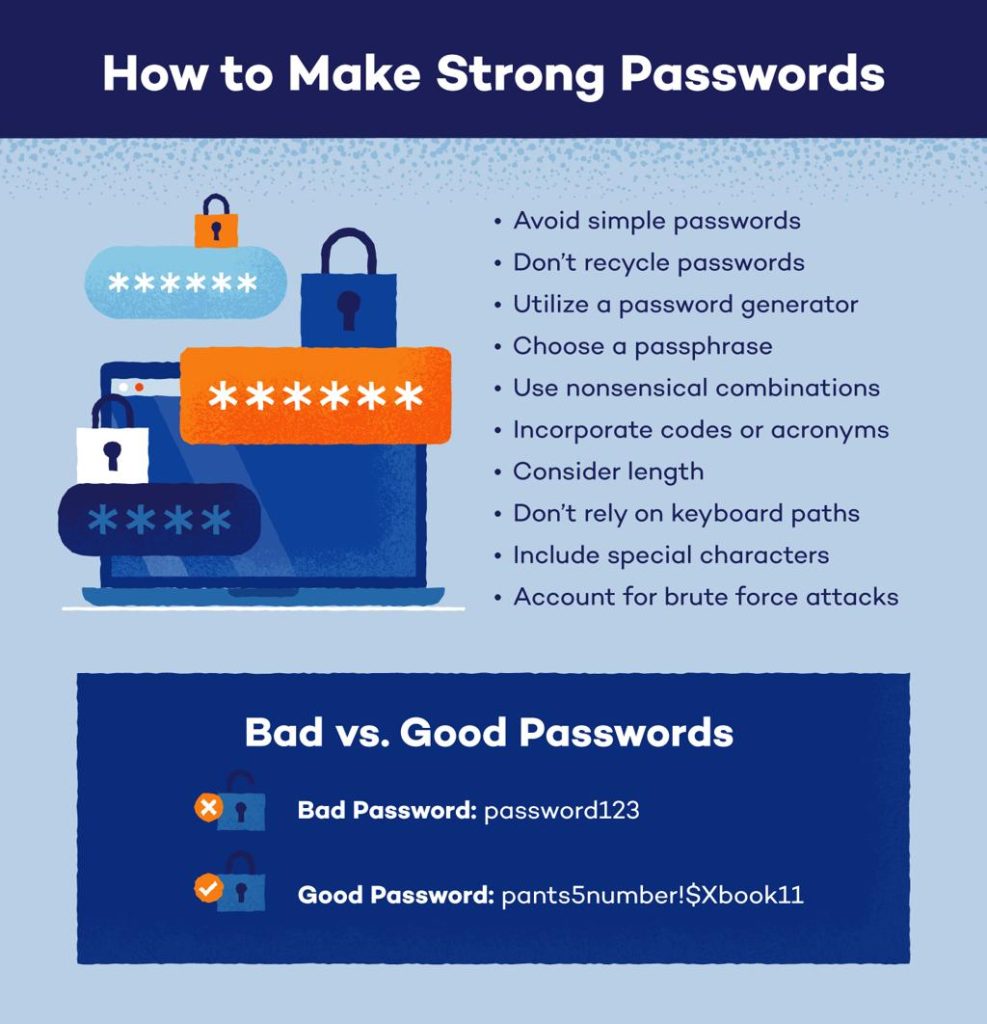
Use Strong and Unique Passwords
One of the most common security mistakes is using weak passwords.
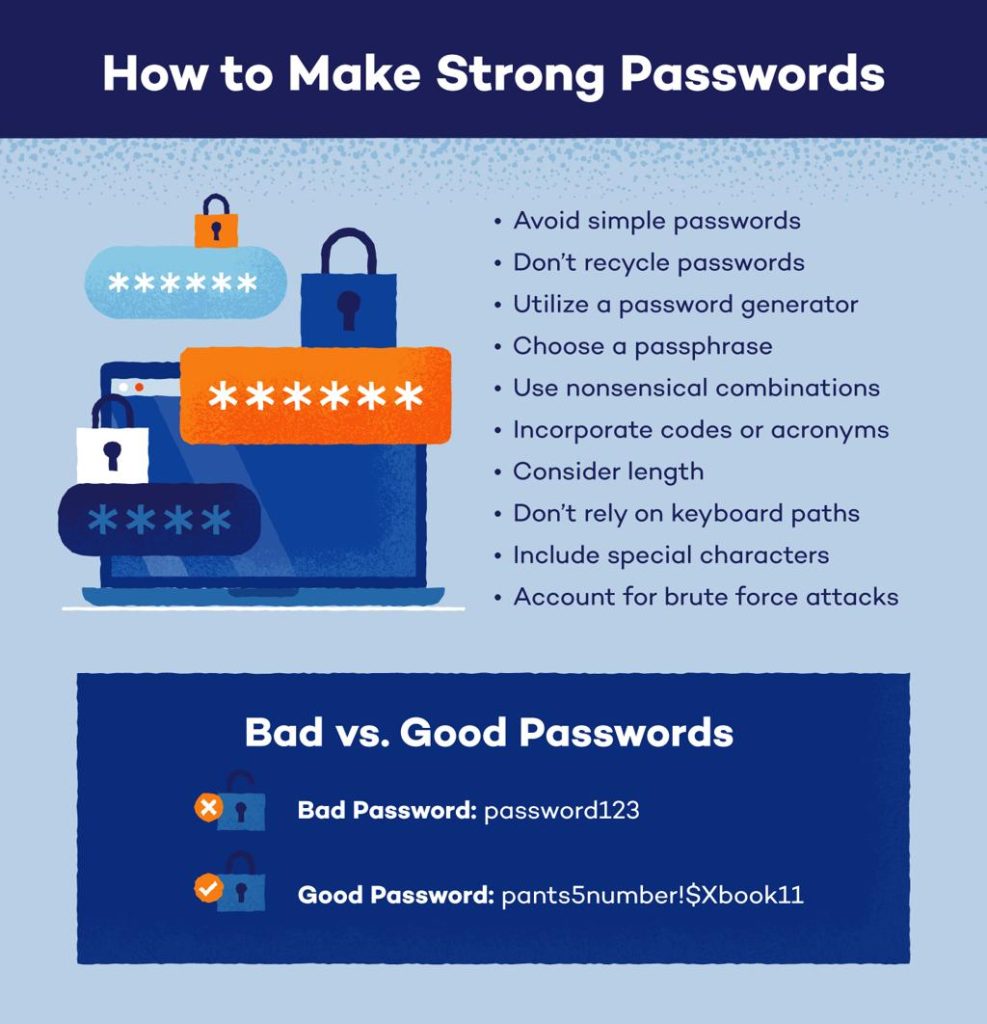
A strong password should:
- Be at least 12 characters long
- Include uppercase and lowercase letters
- Contain numbers
- Include special symbols
Avoid using personal information such as birthdays or names.
Most importantly, never use the same password across multiple websites.
Enable Two-Factor Authentication (2FA)
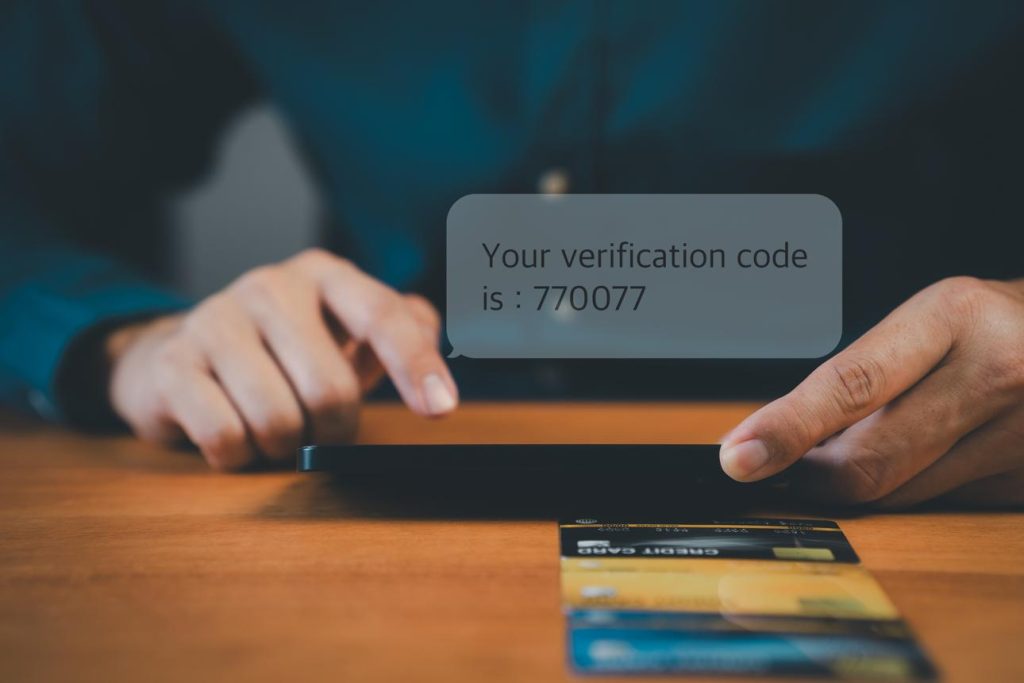
Two-factor authentication provides an additional layer of security.
Even if someone discovers your password, they still need access to a second verification method before they can log in.
Popular verification methods include:
- Mobile authentication apps
- SMS verification codes
- Security keys
Many cybersecurity experts consider 2FA one of the most effective security measures available.
Beware of Phishing Scams
Phishing attacks are designed to trick users into revealing sensitive information.
These attacks often arrive through:
- Emails
- Text messages
- Social media messages
- Fake websites
Always verify links before clicking and avoid entering login information on unfamiliar websites.
Keep Software Updated
Software updates often contain important security patches.
Cybercriminals frequently exploit outdated software that contains known vulnerabilities.
Regularly update:
- Operating systems
- Browsers
- Apps
- Antivirus software
Automatic updates can help ensure your devices remain protected.
Use a Password Manager
Remembering dozens of complex passwords can be difficult.
Password managers securely store login credentials and generate strong passwords automatically.
Benefits include:
- Better password security
- Faster logins
- Reduced password reuse
- Improved account protection
Monitor Account Activity
Regularly review your account activity for unusual behavior.
Warning signs may include:
- Unknown login attempts
- Password change notifications
- Unrecognized devices
- Suspicious emails
If anything looks unusual, change your password immediately.
The Future of Online Security
As artificial intelligence continues to evolve, both cybersecurity tools and cyber threats are becoming more advanced.
Companies across the United States, Canada, Australia, and the United Kingdom are investing heavily in advanced security technologies to protect user data.
Users who follow good security practices will be better protected against future threats.
Final Thoughts
Protecting your online accounts does not require advanced technical knowledge.
By using strong passwords, enabling two-factor authentication, avoiding phishing scams, and keeping software updated, you can significantly improve your online security.
Taking these simple steps today can help prevent major problems in the future.