
Essential Cybersecurity Tips for Everyday Internet Users
Introduction
As our daily lives become increasingly connected to the internet, cybersecurity has never been more important. From online banking and shopping to social media and remote work, we share a large amount of personal information online every day.
Unfortunately, cybercriminals are constantly looking for ways to steal data, hack accounts, and exploit security weaknesses. The good news is that a few simple habits can significantly reduce your risk.
In this guide, you’ll learn essential cybersecurity tips that can help protect your personal information, devices, and online accounts.
1. Use Strong and Unique Passwords
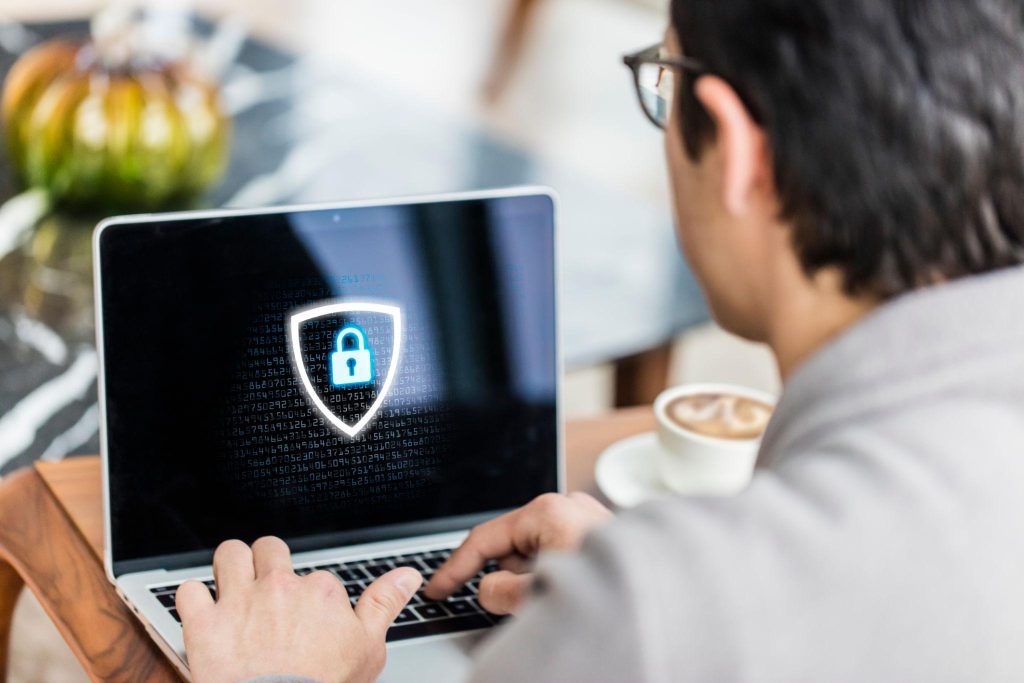
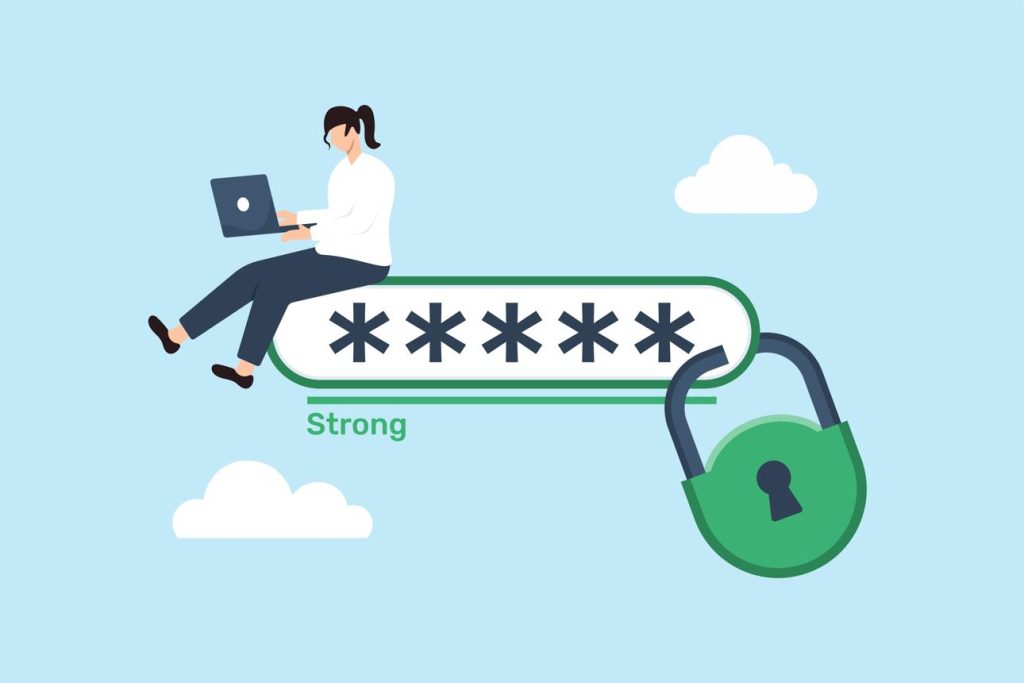
One of the biggest mistakes internet users make is reusing the same password across multiple websites.
A strong password should include:
- Uppercase letters
- Lowercase letters
- Numbers
- Special characters
Avoid using personal information such as birthdays or names.
Pro Tip
Use a password manager to generate and store secure passwords safely.
2. Enable Two-Factor Authentication (2FA)
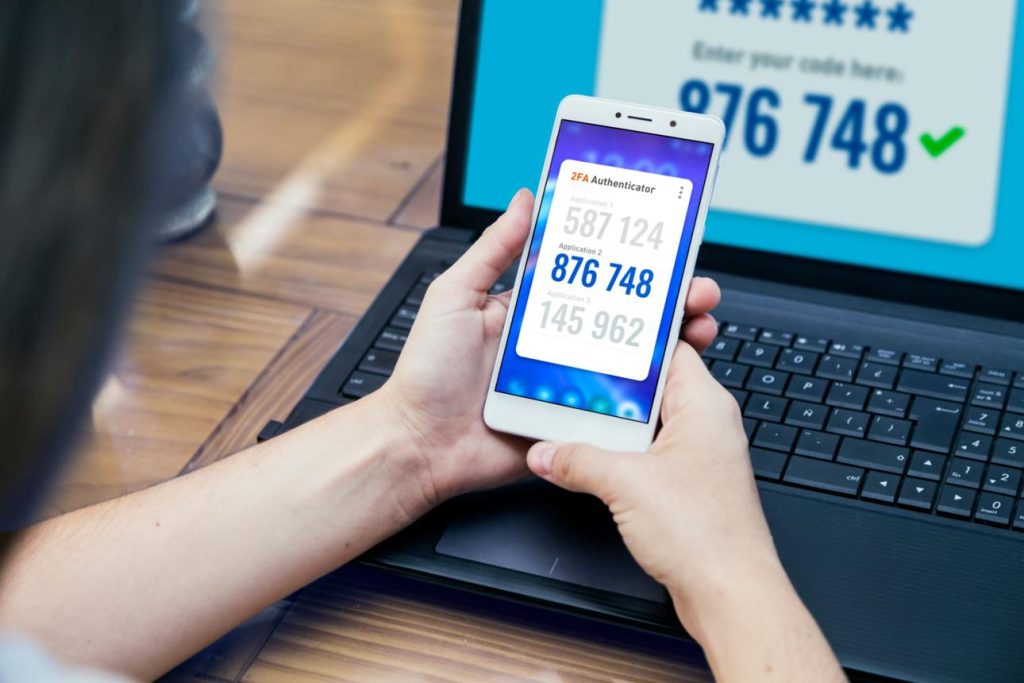
Two-factor authentication adds an extra layer of security to your accounts.
Even if someone discovers your password, they still need a verification code from your phone or authentication app.
Benefits
- Better account protection
- Reduced hacking risk
- Enhanced security
Always enable 2FA on email, banking, and social media accounts whenever possible.
3. Be Careful with Suspicious Emails
Phishing attacks remain one of the most common cybersecurity threats.
Cybercriminals often send fake emails pretending to be trusted companies.
Warning signs include:
- Urgent requests
- Suspicious links
- Grammar mistakes
- Unexpected attachments
Never click links unless you are sure the message is legitimate.
4. Keep Your Software Updated
Software updates often include important security patches.
Outdated systems may contain vulnerabilities that hackers can exploit.
Always update:
- Operating systems
- Web browsers
- Mobile apps
- Security software
Automatic updates are recommended whenever available.
5. Use Secure Wi-Fi Networks
Public Wi-Fi can expose your personal information if used carelessly.
When using public networks:
- Avoid online banking
- Avoid entering sensitive passwords
- Use a trusted VPN service
- Connect only to legitimate networks
Secure internet connections reduce the risk of cyber attacks.
6. Protect Your Personal Information
Think carefully before sharing personal details online.
Avoid publicly posting:
- Home addresses
- Phone numbers
- Financial information
- Sensitive documents
Limiting personal information reduces opportunities for identity theft.
7. Install Reliable Security Software
Security software helps detect malware, ransomware, and other online threats.
A good security solution can:
- Scan files
- Block malicious websites
- Detect suspicious activity
- Improve overall protection
Regular scans help keep your devices safe.
Why Cybersecurity Matters
Cybercrime continues to grow worldwide, affecting individuals, businesses, and organizations.
Strong cybersecurity habits help:
- Protect personal data
- Prevent financial loss
- Secure online accounts
- Reduce identity theft risks
Even small security improvements can make a significant difference.
Final Thoughts
Cybersecurity doesn’t need to be complicated. By using strong passwords, enabling two-factor authentication, avoiding phishing scams, updating software, and protecting personal information, you can dramatically improve your online safety.
Developing good security habits today will help protect your digital life for years to come.